Changelog / v0.1.0
Engineering Intelligence, Shipped
feature

TL;DR
Lightfast v0.1.0 ships a neural pipeline for extracting entities and relationships, then lets you query them with AI.
The first Lightfast release: a neural pipeline, AI chat, a public API, TypeScript SDK, and MCP server.
Lightfast v0.1.0 introduces a neural pipeline that extracts entities and relationships from team knowledge, an AI chat interface for querying your engineering data, a public REST API, a TypeScript SDK, and an MCP server for AI agent workflows.
How does the neural pipeline process events?
The neural pipeline is the core of Lightfast. Every webhook event flows through four stages that transform raw provider payloads into searchable, connected knowledge — without any configuration.
- Ingest — validates webhook signatures, transforms provider-specific payloads into a canonical format, and stores a delivery log.
- Extract — scores each event for significance, then decomposes it into up to 50 entities: PRs, deployments, issues, endpoints, branches, configs, and more. Each entity is deduplicated and tracked across occurrences.
- Graph — resolves relationships between co-occurring entities and inserts edges with confidence scores. Entities that appear together in the same events become connected.
- Embed — builds a narrative summary for each entity (identity, recent activity, relationships), generates a vector embedding, and upserts it into the search index.
Send Lightfast structured context, and the pipeline handles the rest.
How does Explore use AI to answer engineering questions?
Explore is a streaming AI interface that searches your entity graph, retrieves relevant context from the vector store, and responds with cited, markdown-formatted answers grounded in your actual engineering data.
Ask questions about your infrastructure and get answers with full provenance. Collapsible reasoning traces and tool call cards show exactly which entities and events informed each response.
- Semantic search across all extracted entities
- Cited answers with source references
- Streaming responses with reasoning visibility
- Markdown-formatted output
How does Lightfast receive context?
Lightfast v0.1.0 focuses on API-first access. Teams can create organization API keys and send application context to Lightfast from their own backend services, scripts, and agent workflows.
How does Lightfast track entities?
The Entities view is a real-time browser for every entity extracted from your engineering context — repositories, pull requests, deployments, issues, users, endpoints, and more.
Filter by category, search by name, and watch new entities appear live as events are processed. Each entity links to a detail view showing its full metadata and event timeline.
Powered by server-sent events — no polling, no refresh.
How does the real-time event feed work?
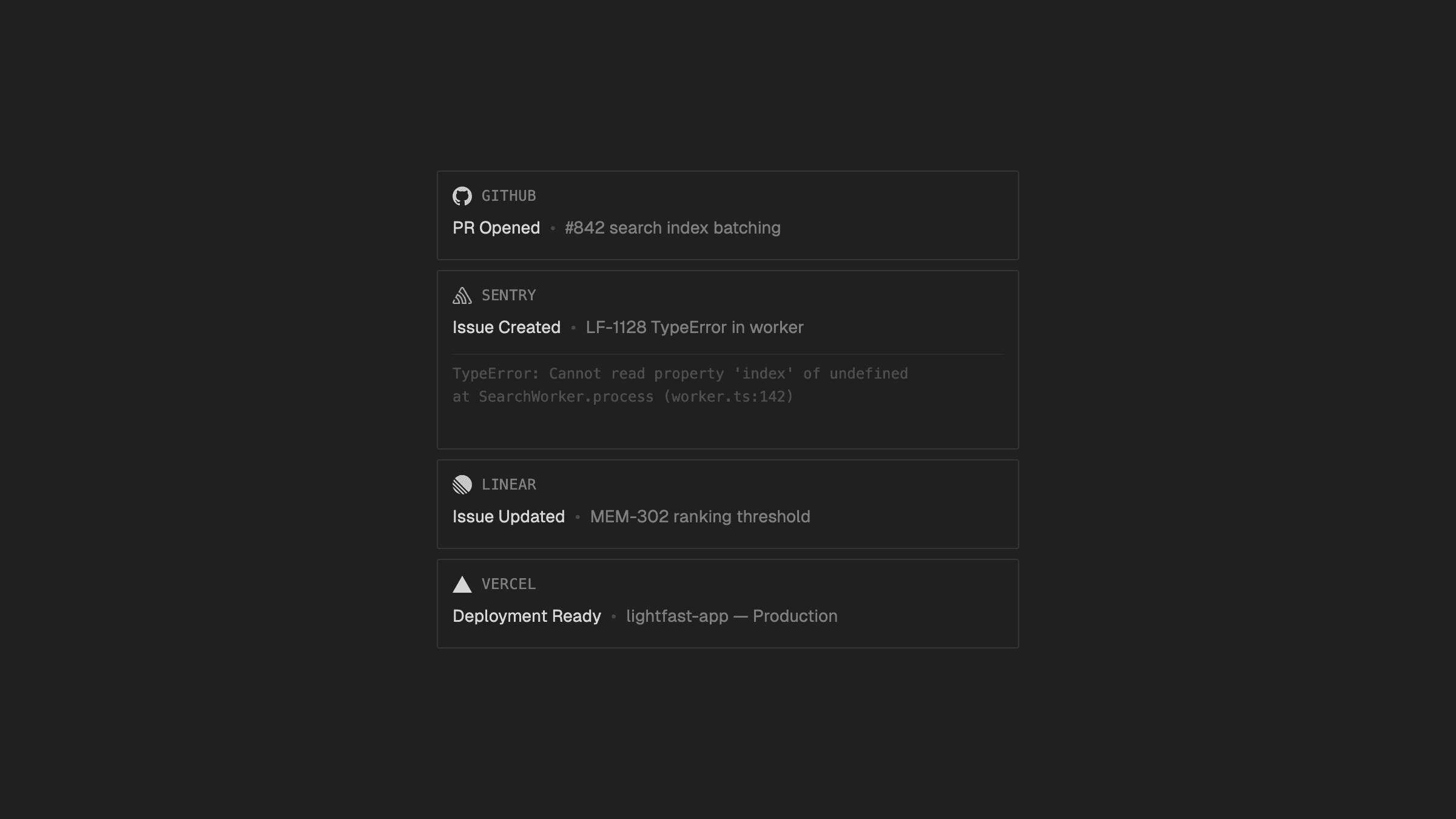
The Events view is a real-time feed of activity processed by Lightfast. New data streams in via server-sent events.
Filter by provider, search by content, and scope by time range to find the events you need.
How do I access Lightfast programmatically?
Lightfast ships with a contract-first REST API with interactive documentation. Search entities with semantic reranking, or integrate Lightfast into your own tools and workflows.
The API supports dual authentication:
- API keys — for programmatic access from scripts, CI/CD pipelines, and backend services
- Session tokens — for browser-based flows in custom frontends
How do the TypeScript SDK and MCP server work?
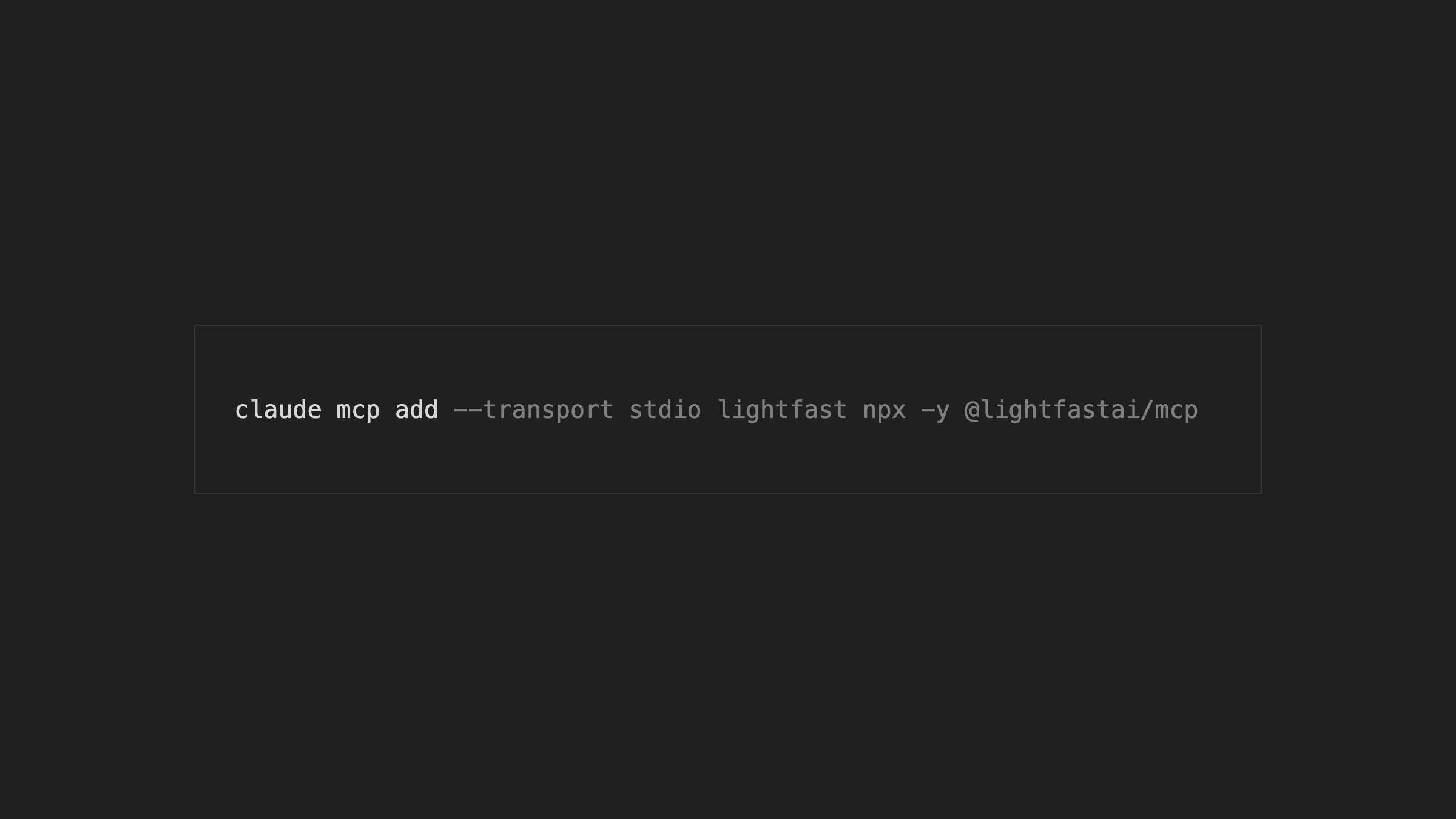
The TypeScript SDK (lightfast on npm) gives you typed access to the full Lightfast API from any Node.js environment. The MCP server (@lightfastai/mcp) exposes the same capabilities to AI agents and tools that support the Model Context Protocol.
- SDK — typed methods for entity search, event retrieval, and API workflows
- MCP server — tool definitions for AI agents to search entities, retrieve events, and query the knowledge graph
How do API keys work in Lightfast?
API keys in Lightfast are org-scoped and managed from the dashboard. Keys are hashed at rest and shown only once on creation.
- Create and revoke keys from the settings page
- All keys are scoped to the organization that created them